Blairmont Manual
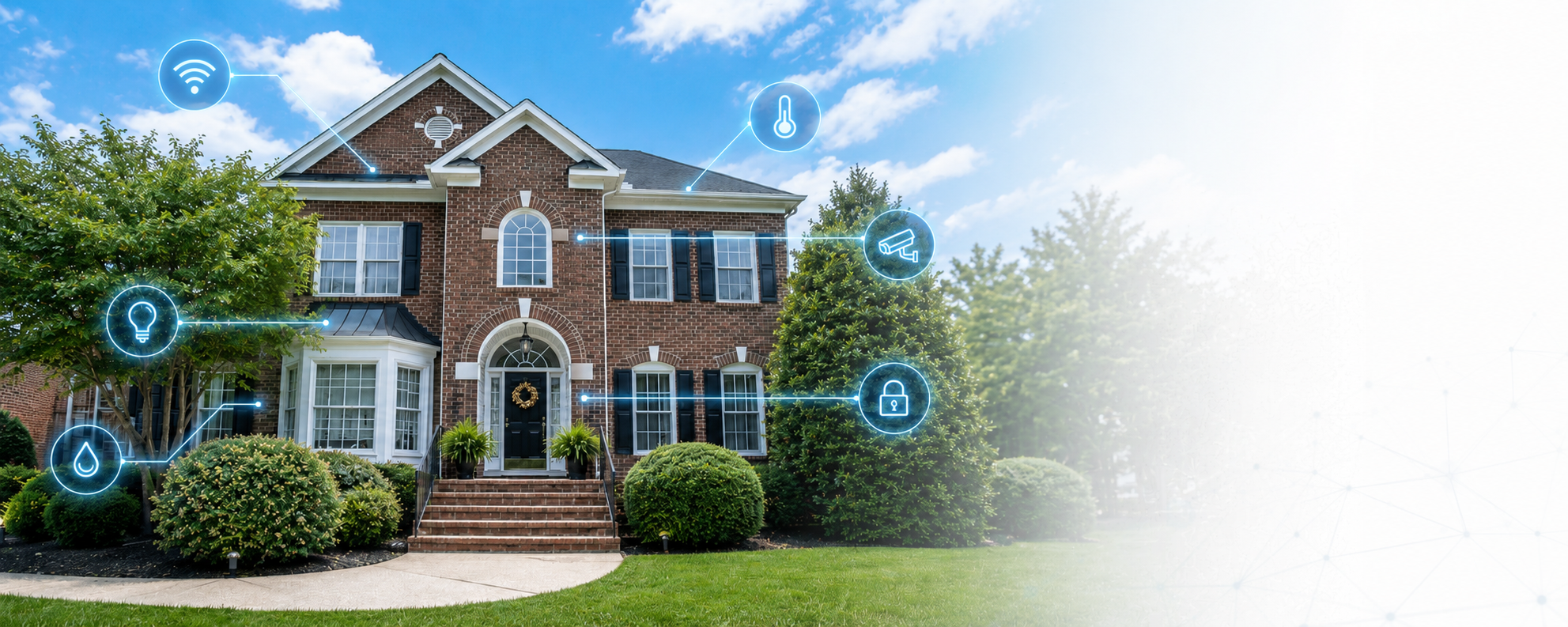
Your complete guide to the Blairmont smart home system.
What Your Home Can Do
- Climate adjusts automatically — thermostats switch to energy-saving mode when everyone leaves, back to comfort when someone gets home
- Energy costs less during peak hours — the system pre-cools or pre-heats before expensive electricity windows so the AC runs less when rates are highest
- Leak alerts that wake you up — 12 sensors under sinks and near HVAC equipment; if any detect water, both phones get an emergency alert that bypasses silent mode
- Garage door monitoring — notifications when doors open or close; actionable "Close It" button if a door is left open while everyone's away or for 30+ minutes
- Motion-activated chimes — cameras at the garage and personnel door ring the Ring chimes throughout the house when they detect motion (once per 10 minutes)
- Whole-home energy monitoring — a Refoss EM16P meter tracks whole-home and per-circuit power, live cost, and time-of-use rates; high-cost appliances started during peak hours trigger a heads-up
- Air quality monitoring — CO₂ and VOC levels tracked in the bedroom; high VOCs silently boost the air purifier (no push alerts)
- Voice control — Alexa throughout the house; thermostats also in Apple Home
Find What You Need
-
How the thermostats work, automatic presence adjustments, and energy-saving pre-conditioning.
-
Where cameras are, how motion chimes work, and how to watch live footage.
-
Notifications, remote closing, and what "left" and "right" mean on the app.
-
Where sensors are installed and what happens when one detects water.
-
Smart switches — what's installed and what's coming.
-
Time-of-use pricing, how the house saves money, and what's being monitored.
-
Lindsay's plant care dashboard — moisture alerts, outdoor care calendar, irrigation controls, and weather-driven watering.
-
Alexa commands and what's available in Apple Home.
-
Every notification you might receive, what it means, and what to do.
Dashboards
There are three Home Assistant dashboards: the Command dashboard (the main control center), the Plants dashboard (Lindsay's garden), and the Desk Companion kiosk view.
Need help?
Something not working as expected? Check the relevant page above or ask Louis. This manual is kept current — whenever the system changes, this documentation is updated in the same commit.